


Executive Summary
Zero UI is transforming the way we interact with technology by removing traditional screens, buttons, and touch interfaces. Using voice commands, gestures, facial recognition, ambient computing, and connected devices, users can interact naturally, intuitively, and seamlessly.
This article explores real-world examples of Zero UI, including voice-controlled offices, gesture-based meeting rooms, facial recognition security, ambient sensor environments, wearable devices, and smart retail applications. Businesses and everyday environments are adopting these screenless interfaces to enhance efficiency, security, and user experience.
With technology advancing rapidly, Zero UI represents the future of interaction, creating more intuitive, hands-free, and intelligent experiences.
Table of Contents
Zero UI: The Future of Screenless Interaction
Introduction: Beyond Screens
Imagine interacting with technology without touching a screen, pressing a button, or even looking at a device. That’s the promise of Zero UI, a revolutionary approach that relies on voice, gestures, facial recognition, and ambient computing. Companies like Carver Technology are exploring how these technologies can transform workplaces, homes, and everyday life.
Voice Interaction
Voice is one of the most natural ways humans communicate, and Zero UI leverages it for hands-free interaction.
In modern offices, employees can control lighting, schedule meetings, or access dashboards just by speaking. Imagine walking into a conference room and simply saying, “Start presentation,” while the room’s systems adjust automatically.
Voice control extends to vehicles, where drivers can adjust navigation, music, and climate without taking hands off the wheel. In homes, smart assistants allow residents to control appliances, lights, and entertainment systems seamlessly.
These examples demonstrate how voice based Zero UI reduces the need for physical interaction, making tasks faster and more intuitive.
- Employees using voice commands to adjust office lighting or schedule meetings.
- Smart cars responding to commands for navigation, music, or calls.
- Home assistants reacting to spoken instructions for daily tasks.
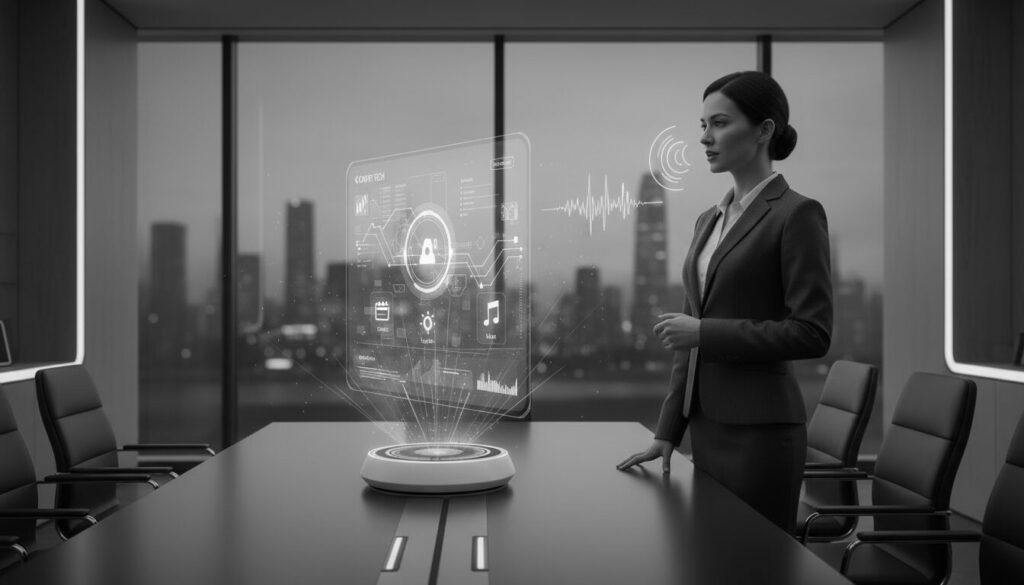
“Hands-free interaction: an employee giving voice commands to a smart assistant with floating holographic controls.”
Gesture Based Control
Gestures allow users to interact with digital systems without touching anything.
For example, in meeting rooms, employees can swipe in the air to navigate presentation slides, change lighting, or control projectors. Cars increasingly use gesture control for media and climate functions, allowing drivers to keep their eyes on the road.
Gesture-based systems also appear in smart homes, where hand movements can adjust lighting, music, or appliances. These interactions make technology more natural, responsive, and accessible.
- Swiping in the air to change a presentation slide.
- Cars using gesture control for climate, media, and infotainment systems.
- Adjusting smart office devices like projectors or lights with simple hand movements.

“Controlling your car without touching buttons: gestures adjust media, navigation, and climate seamlessly.”
Facial Recognition Systems
Facial recognition adds security and personalisation without physical contact.
- Office doors granting access based on facial scans instead of keycards.
- Smartphones unlocking automatically when the registered face is detected.
- Retail stores tailoring experiences to customers via facial recognition technology.

“Secure and effortless access: an employee walks through a door that unlocks with facial recognition technology.”
Ambient Computing & Sensors
Ambient computing allows environments to respond automatically to user presence.
In smart offices, lights, temperature, and devices adjust as employees move throughout the space. Retail stores use sensors to track foot traffic and optimize layouts without manual intervention.
These sensor-driven environments demonstrate how Zero UI anticipates user needs, creating seamless and efficient experiences across homes, workplaces, and commercial settings.
- Smart lights automatically adjusting as people enter a room.
- Thermostats detecting presence and activity patterns to optimize comfort.
- Retail environments tracking inventory and customer flow without manual input.
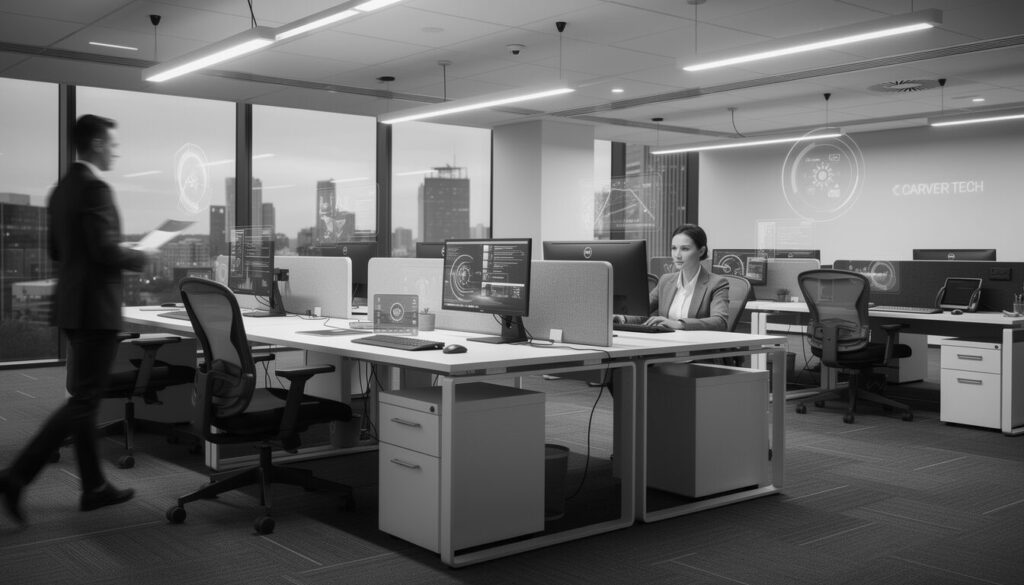
“Smart office environment: lights and temperature adjust automatically as people move through the space.”
Wearables and Connected Devices
Wearables extend Zero UI beyond traditional environments.
Smartwatches can respond to gestures or biometric data, while AR glasses overlay contextual information directly into the user’s field of view. Fitness devices monitor activity and health metrics automatically, all without physical interaction.
These devices integrate with ambient and voice systems, creating connected, hands-free ecosystems that enhance productivity and lifestyle.
- Smartwatches responding to gestures or biometrics.
- AR glasses overlaying contextual information based on gaze or hand movement.
- Fitness devices tracking movement and health metrics automatically.
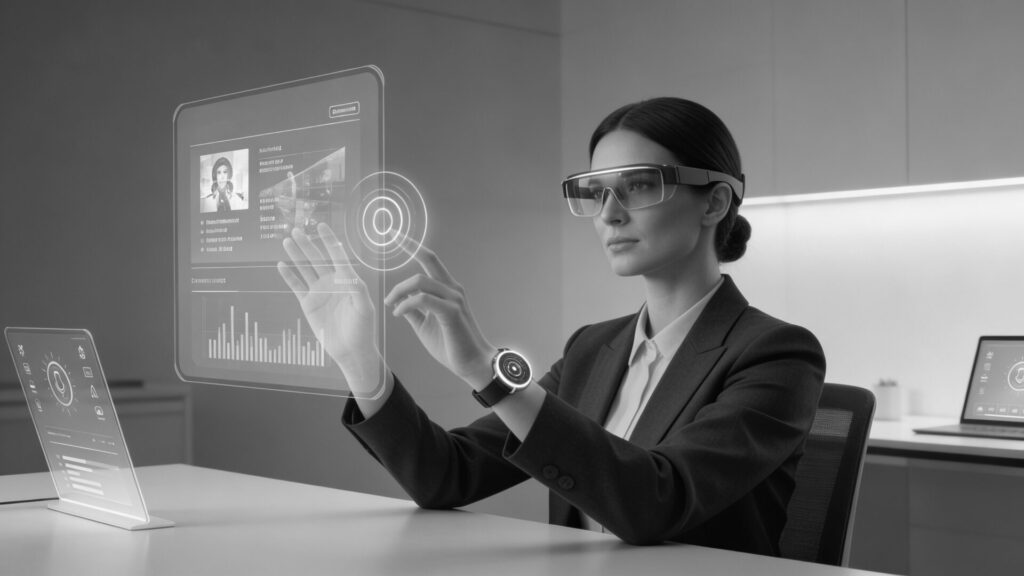
“Hands-free productivity: an employee uses a smartwatch and AR glasses to interact with holographic data.”
Retail and Everyday Applications
- Self-checkout systems detecting items automatically.
- Smart kitchens adjusting appliances via gestures or voice.
- Hotels using facial recognition for room access and personalised experiences.
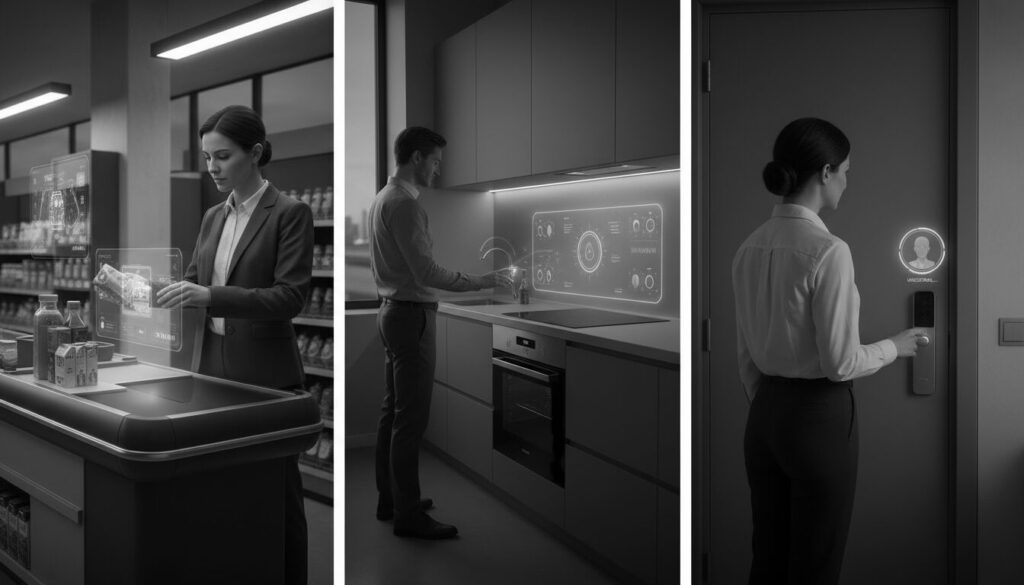
“Screenless convenience: self-checkout, smart kitchen appliances, and hotel room access powered by Zero UI.”
Challenges and Considerations
While Zero UI is innovative, there are hurdles:
- Privacy: Always-on devices may capture sensitive information.
- Accuracy: Gesture, voice, and facial recognition systems need precision.
- User Adoption: Users must trust and feel comfortable with invisible interfaces.
Conclusion
Zero UI represents a shift from traditional screen-based interaction to intelligent, invisible interfaces. From voice commands and gestures to facial recognition and ambient computing, this technology is transforming how we live and work. Carver Technology is pioneering these innovations, showing how Zero UI can make workplaces, homes, and public spaces more intuitive, secure, and efficient.